What is Git and How Does it Work? – Everything About Git
What is Git and How Does it Work? – Everything About Git Git, far beyond a simple tool, is the beating heart of modern software development. This Distributed Version Control System (DVCS) has revolutionized how code is managed, how teams collaborate, and how the history of software projects is tracked. In a world where developers […]
What is Git and How Does it Work? – Everything About Git
Git, far beyond a simple tool, is the beating heart of modern software development. This Distributed Version Control System (DVCS) has revolutionized how code is managed, how teams collaborate, and how the history of software projects is tracked. In a world where developers work simultaneously on the same project from different parts of the globe, Git ensures that every change is recorded, recoverable, and merged without interfering with the work of others.
Understanding the Nature of Git: Distributed Version Control
What is Git?
Git is an open-source tool designed by Linus Torvalds (the creator of Linux) in 2005 to manage the development of the Linux kernel. The key definition of Git is that it is a Distributed Version Control System.
A Version Control System (VCS) refers to tools that record and manage changes to files and data sets over time, allowing one to revert to previous versions and review changes at any moment.
The “Distributed” characteristic of Git distinguishes it from previous generations of centralized version control systems (like SVN or CVS). In a centralized system, there is only one main repository on a server, and developers must be connected to that server to access the complete history and register changes. But in Git:
- Every developer has a complete and independent copy of the entire project history on their local system (Local Repository).
- Work can be done offline.
- If the main server (Remote Repository) encounters issues, no data is lost because complete copies exist with all team members.
How Git Works: The Workflow and Core Concepts
Git operates based on a highly intelligent workflow model that includes three main states for files, giving the developer precise control over the change-recording process.
Three Crucial States in Git
- Working Directory: This is the physical space on your local system where your project files reside and where you are actively editing them.
- Staging Area (or Index): This state is an intermediary zone. Once you have edited files, you must move them to this area using the
git addcommand. The Staging Area allows you to specify exactly which changes should be included in your next commit. This is a control and organization step before the final recording. - Git Directory/Repository: This is where Git securely and compactly stores the complete history and metadata of your project. After you record the changes from the Staging Area using the
git commitcommand, Git saves those changes as a permanent milestone (Commit) in the repository.
Main Operations in Git
- Commit: The most important unit of work in Git. Each commit is a “snapshot” of the project at a specific moment. This snapshot includes: the set of recorded changes, a unique identifier (SHA-1 Hash), the author’s name, the date, and a descriptive message.
- Branching: Branches in Git allow developers to deviate from the main path of the project and work on new features, bug fixes, or experiments without fear of corrupting the main code (usually the
mainormasterbranch). Branching is very fast and cheap, making it one of Git’s most powerful features for parallel development. - Merging: After finishing work on a feature branch, the changes from that branch must be merged into the main branch (e.g.,
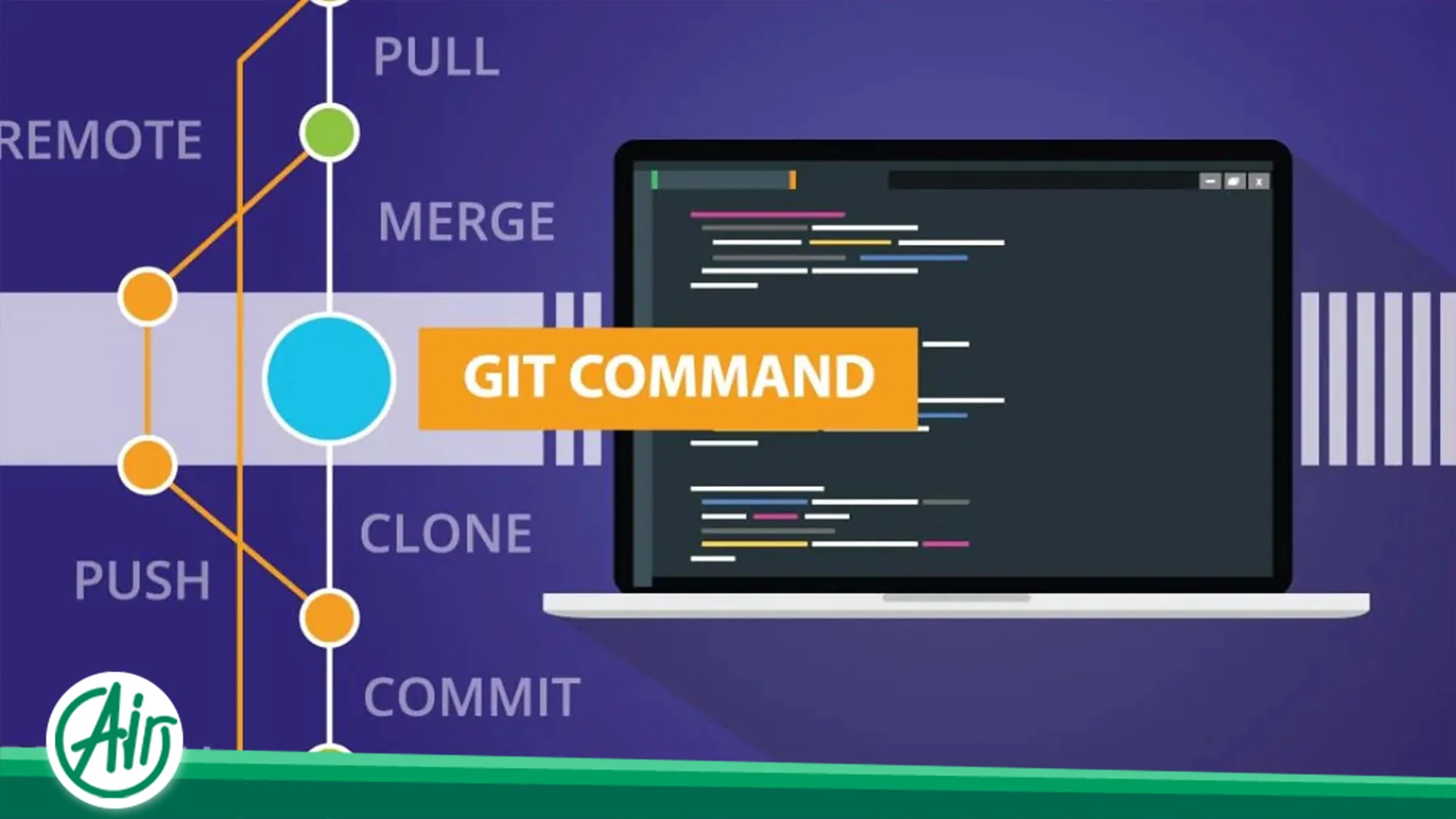
main) to be recognized as part of the final project. Git is highly intelligent during this process, and merging is done automatically most of the time. If a conflict arises, Git flags it, and the developer must manually resolve the conflict. - Remote: The remote repository is a copy of the project, usually hosted on a server (like GitHub, GitLab, or Bitbucket), and is responsible for coordination among team members. The main commands for interacting with the remote repository are:
git push,git pull, andgit fetch.
The Internal Structure of Git: The Content-Addressable Architecture
To deeply understand Git, we must know how Git stores data. Unlike other VCSs that store differences (Diffs), Git takes a complete snapshot of the project each time and stores them in a Content-Addressable file system.
Git Objects
Git’s history is essentially a collection of four types of Objects that are addressed based on their content (Content-Addressable). Each object is identified by a unique 40-character SHA-1 hash.
- Blob Object: The simplest object; it stores the content of a file. Git stores only the file’s bytes, regardless of its name or metadata.
- Tree Object: This object is equivalent to directories or subfolders. A Tree Object stores a list of file and folder names, each pointing to either a Blob Object (if it’s a file) or another Tree Object (if it’s a subfolder).
- Commit Object: This object is the main milestone. A Commit Object includes: a pointer to the project’s root Tree Object, the committer’s name, the time, the commit message, and pointer(s) to the previous commit (Parent Commit).
- Tag Object: Used to name important points in history (e.g., release versions) and usually points to a Commit Object.
The Role of SHA-1 in Git
Using the SHA-1 hash for Content-Addressing gives Git the following capabilities:
- Data Integrity: If the slightest change is made to the files, its SHA-1 hash changes. This ensures that no one can change the repository content without being noticed.
- Quick Duplication Detection: If two files in different histories have identical content, they will have the same hash, and Git only stores that content once, which saves space.
Key Advantages of Using Git in Large Projects
Using Git is a vital necessity for large software teams and projects, providing the following benefits:
Data Security and Integrity
Git prioritizes source code security. It uses powerful cryptographic algorithms like SHA-1 to track and store history. This algorithm ensures that data, files, and change history are completely protected against accidental or malicious changes. Thus, the history cannot be lost or files corrupted within a commit.
Unparalleled Collaboration and Parallel Development
Git enables organized, simultaneous teamwork on a project. The branching capability allows multiple developers to work independently on different parts of the project, keeping their changes isolated until they are ready to be merged. This level of collaboration and non-interference makes the development process much more agile and efficient.
For executing an enterprise application where multiple developers work on different sections, choosing a dedicated server for the application can provide the best performance and security, as resources are entirely at the disposal of the development team.
Reversibility and Reliability
With Git, a safety net is always available. Every commit serves as a secure rollback point. If an update or new feature causes problems, the team can quickly and simply revert to any previous, fully working version with just one command. This reliability significantly reduces risk in the development process.
High Performance and Scalability
Git is designed to manage large projects with massive data volumes and many developers. Operations like committing, branching, and merging are performed locally and are very fast. Its distributed structure allows Git to easily scale with the increasing project size and number of users, maintaining its speed. Today, many large businesses use flexible solutions to manage heavy workloads and traffic fluctuations, and a cloud server with scalable resources allows them to increase or decrease their resources instantly based on business needs.
Advanced Workflows and Specialized Commands
Professional developers use Git for more than just committing and pushing. The following commands are essential for more complex history and workspace management.
Stashing: Temporarily Shelving Changes
The git stash command allows you to temporarily save changes you have in your working directory and Staging Area without having to commit them. This is useful when you need to quickly switch your branch to work on an urgent bug but do not want to commit your incomplete work.
git stash: Saves the changes.git stash apply: Reapplies the last saved changes.
Rebasing: Rewriting History
Merging in Git keeps the branches in history and creates a new merge commit. However, Rebase is a different process. Rebase allows the developer to take the commits of one branch and “re-apply” them on top of the commits of another branch. The result is a cleaner, linear history.
Key Point: Rebase should not be used on branches that have already been pushed to the remote repository and accessed by other colleagues, as it rewrites history and can cause serious confusion and conflicts in teamwork.
Reflog: The Data Saver
The Reflog (Reference Log) is a local history of all your activities in the repository. Every time the HEAD (the current pointer to a commit) changes, Git records it in the Reflog. If you accidentally delete a branch or lose a commit, the Reflog is your last resort to find the lost commit’s hash and recover it.
Branching Models
How branches are organized in a project determines the team’s workflow. Two common models are:
Git Flow
Git Flow is a more formal and complex branching model used for projects with planned and precise release cycles. This model is based on five key types of branches:
- master (or main): Always contains production-ready and stable code.
- develop: The main development branch where all features are integrated.
- feature branches: Short-lived branches for developing a specific feature.
- release branches: For preparing the final release and fixing last-minute bugs.
- hotfix branches: For quick and urgent bug fixes on the
masterbranch.
GitHub Flow
GitHub Flow is much simpler and more linear, suitable for continuous development and Continuous Integration/Continuous Delivery (CI/CD). In this model, there is only one main branch called main that is always deployable to the production environment.
- All new work is done in a new branch.
- Changes are reviewed via a Pull Request.
- Upon approval, the branch is merged into
mainand immediately deployed.
Repository Management
To optimally use Git, you must know how to configure and manage your environment.
Git Configuration
Git uses three levels of configuration:
- System: Settings for all users and all repositories on the system (usually in
/etc/gitconfig). - Global: Settings for a specific user on the system (usually in
~/.gitconfig). This is where you set your username and email with commands likegit config --global user.name "Your Name". - Local: Settings only for the current repository (in the
.git/configfile of the repository).
The .gitignore File: Ignoring Files
The .gitignore file tells Git which files or directories to ignore and never track. These files usually include:
- Automatically generated files (like compiled
.classor.exefiles). - Operating system-related files (like
.DS_Storeon macOS). - Local configuration files and passwords (like
.envorconfig.local).
Git Hooks: Automating Processes
Git Hooks are scripts that automatically run in response to specific Git events (like committing, pushing, or receiving changes). Hooks are a powerful tool for enforcing team policies and automating quality tasks. Two common types are:
- Pre-commit Hook: Runs before the commit is created, typically used to check code style, run unit tests, or verify the commit message format.
- Pre-push Hook: Runs before sending changes to the remote repository and can perform final checks and comprehensive tests to prevent problematic code from entering the main server.
Conclusion: Git, The Gold Standard of Code Management
Git is not just a version control tool but a methodology for modern software development. Its distributed structure, easy branching capability, and ability to maintain data integrity and security make it an essential tool for every developer, team, or company seeking efficiency, flexibility, and reliability in their software projects. Mastering Git is, in fact, mastering one of the most important pillars of today’s software development architecture.