

The Ultimate Guide to Firewalls: Hardware, Software, and Cloud Security
In the modern landscape of cybersecurity, assuming that network security relies solely on antivirus software or closing a few ports is a strategic error. Enterprise-grade security requires intelligent, multi-layered defenses. Standing at the frontline of this perpetual battle is the Firewall. However, today’s firewalls are no longer simple gatekeepers checking ID cards; they are sophisticated traffic analysts capable of inspecting data behavior, payload content, and user identity.
In this mega-thread, we move beyond basic definitions to explore the depths of network security architecture, layered differences, DMZ implementation, and configuration strategies for both physical and cloud environments.
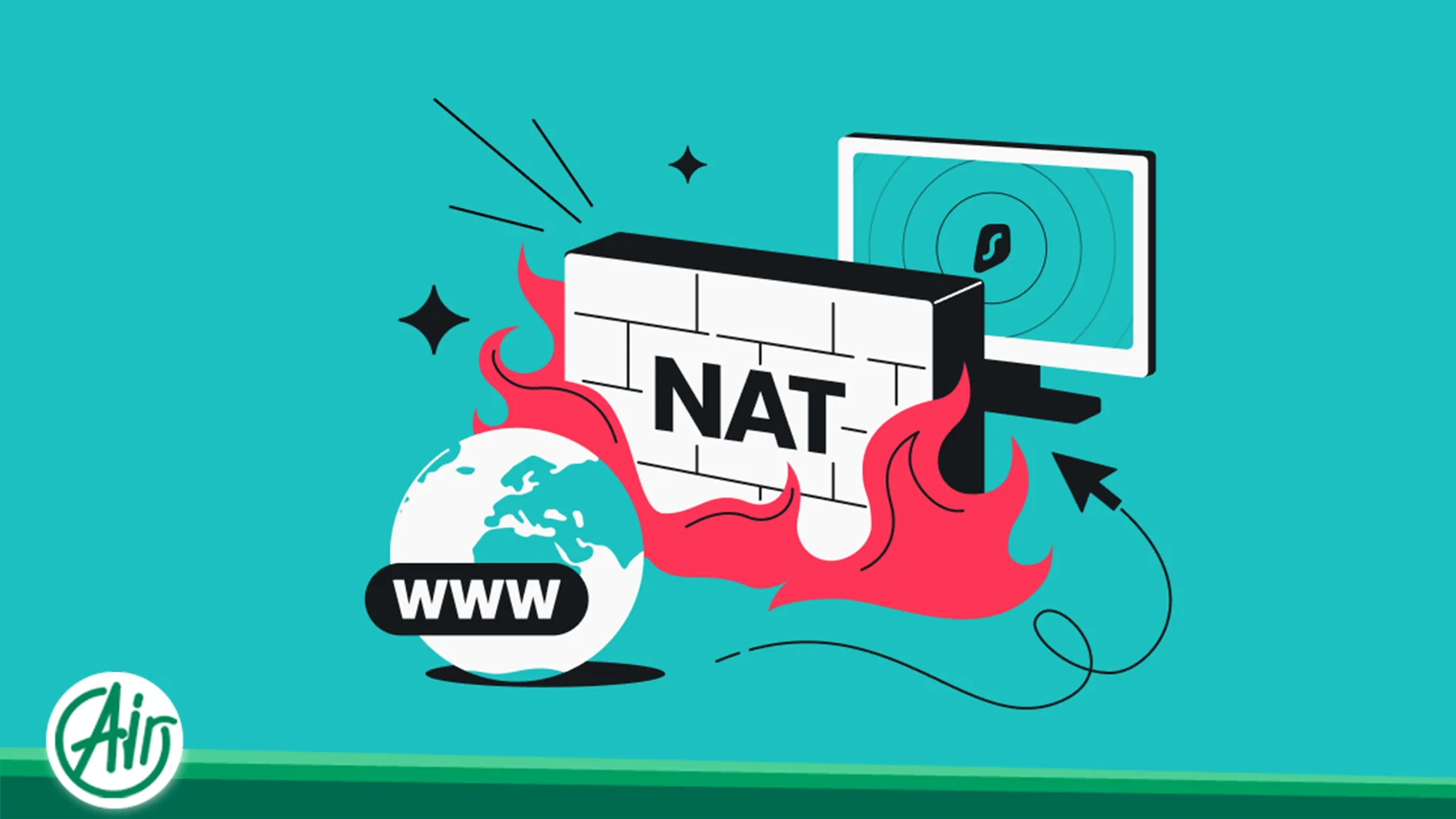
What is a Firewall? Understanding the Core Function
To provide a clear definition: A firewall is a security mechanism—whether hardware, software, or cloud-based—that oversees and manages network traffic. It operates based on your organization’s security rules, serving as a protective shield between your safe internal network and untrusted external sources like the Internet
The primary function of a firewall is to make real-time decisions regarding the fate of every data packet. When traffic reaches the firewall interface, it is evaluated against the rule base, resulting in one of three main Actions:
-
Allow: The traffic is deemed safe, matches the “permit” rules, and is let through.
-
Deny / Drop (Stealth Mode): This is the preferred method for security. The firewall discards the packet silently and sends no response to the sender. The sender assumes the packet was lost or the target IP does not exist (timeout), making port scanning significantly slower and more difficult for attackers.
-
Reject: The firewall blocks the packet but sends a standard protocol error message back to the sender (e.g., “ICMP Destination Unreachable” or “TCP Reset”). This is useful for internal network debugging but is generally discouraged for external-facing interfaces as it confirms the presence of the firewall.
Firewall Classifications: Deployment Levels
To understand security architecture, one must recognize where the firewall sits within the infrastructure topology.
Network Level Firewalls
These are the primary gatekeepers of a datacenter or enterprise organization. They are typically dedicated hardware appliances (like Cisco Firepower, Fortinet FortiGate, or Palo Alto Networks) or advanced edge routers positioned at the network perimeter.
-
Function: They filter all traffic entering the organization.
-
Advantage: They offload processing burdens from internal servers and mitigate attacks before they ever reach the local network.
Host-Level Firewalls
This type runs directly on the host operating system of a server or client. Famous examples include iptables, nftables, or UFW on Linux, and Windows Defender Firewall on Windows. This represents your last line of defense. Even if the perimeter firewall allows traffic, the host firewall can prevent Lateral Movement if a hacker manages to breach the network. In virtualized environments, every Virtual Machine (VM) acts as an independent node and requires its own host-level firewall to ensure isolation from other VMs on the same physical host.
Cloud & Virtual Firewalls
With the rise of Cloud Computing and SDN (Software Defined Networking), the concept of the firewall has evolved. In ecosystems like AWS or Azure, we utilize Security Groups and Network ACLs. These are logical firewalls enforced at the hypervisor level, isolating cloud instances without the need for physical cabling.
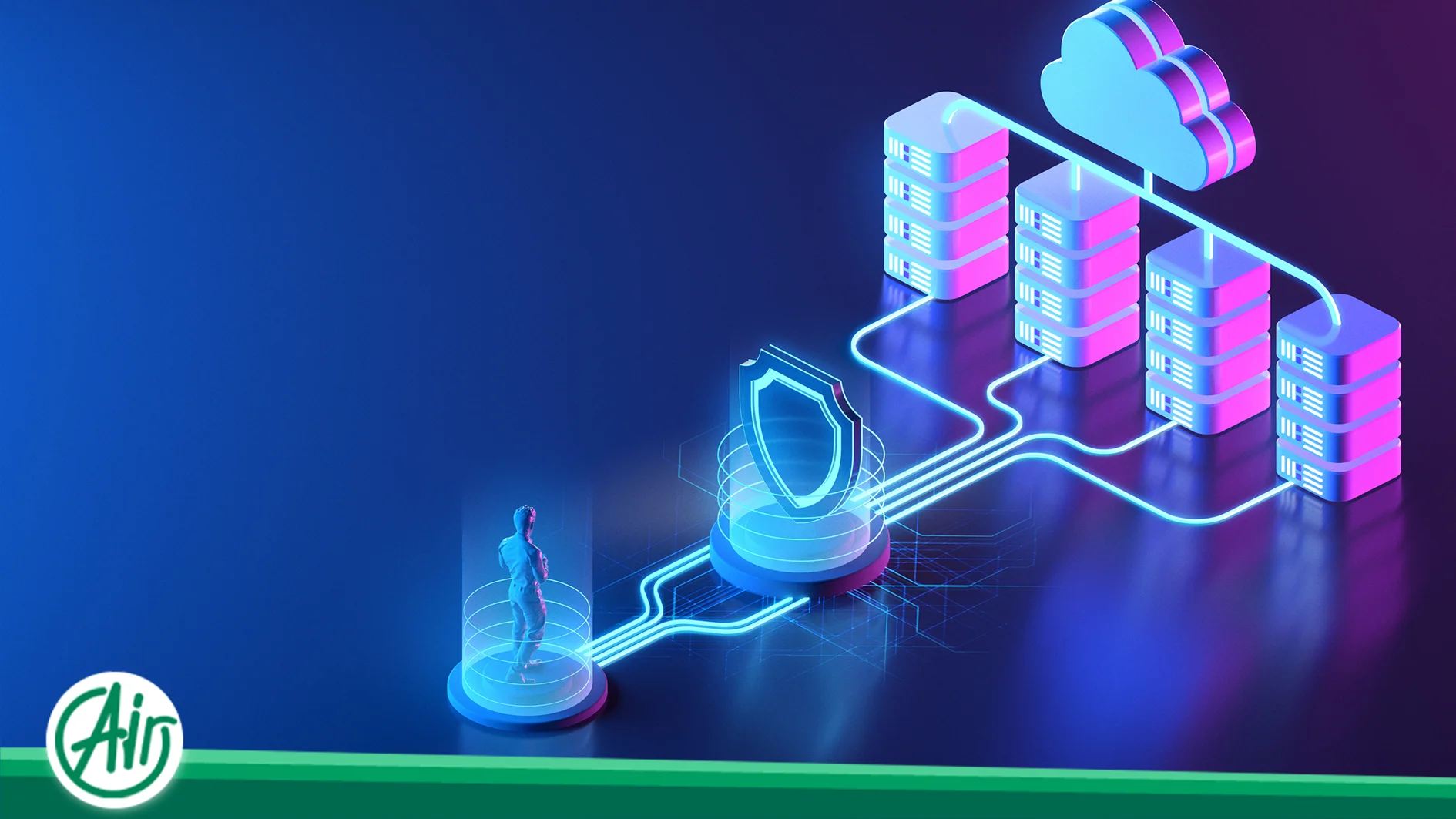
Secure Network Architecture: The Role of the DMZ
A critical concept implemented by firewalls is the DMZ (Demilitarized Zone).
What is a DMZ?
In a standard secure network, servers that face the internet (like Web Servers) should never sit directly next to sensitive internal databases. The firewall creates a buffer zone (DMZ) to enforce this separation.
-
Public Zone (Internet): The untrusted source.
-
DMZ: Contains public-facing services (Web, DNS, Email). Accessible from the internet but strictly limited in its ability to access the internal network.
-
Internal Zone (LAN): Contains databases and file servers. This zone is completely isolated; the firewall forbids direct traffic from the internet to this zone.
If an attacker compromises a web server in the DMZ, the firewall rules prevent them from easily pivoting to the core database in the LAN.
The Evolution of Firewall Technology
Firewalls have matured significantly over the decades. Understanding these generations explains the performance and price gap between a home router and an enterprise NGFW.
Generation 1: Packet Filtering (Stateless)
The oldest and simplest form. It has no memory of connection states and examines every packet in isolation. It checks only the Header:
-
Source/Destination IP
-
Port Number
-
Protocol (TCP/UDP) It is fast but vulnerable. If port 80 is open, it allows any packet targeting port 80, regardless of the intent.
Generation 2: Stateful Inspection
This generation introduced “intelligence” by understanding the concept of a Session. A Stateful firewall maintains a State Table in RAM to track the stage of a connection (e.g., TCP Handshake: SYN, SYN-ACK, ACK).
-
Mechanism: If internal traffic requests a website, the firewall records this request. When the website replies, the firewall checks: “Is this incoming packet a valid response to a request I previously recorded?”
-
Advantage: Unsolicited traffic that doesn’t match an active session is dropped, preventing many spoofing attacks.
Generation 3: Next-Generation Firewalls (NGFW)
The current enterprise standard. Beyond stateful inspection, NGFWs utilize DPI (Deep Packet Inspection).
-
Application Awareness: It doesn’t just see “Port 80 traffic”; it sees “Facebook traffic” or “Skype traffic.”
-
Identity Awareness: Rules can be based on User IDs and Group Policies (Active Directory) rather than just IP addresses.
-
IPS Integration: Intrusion Prevention Systems are embedded to detect and block specific attack signatures within the packet payload.
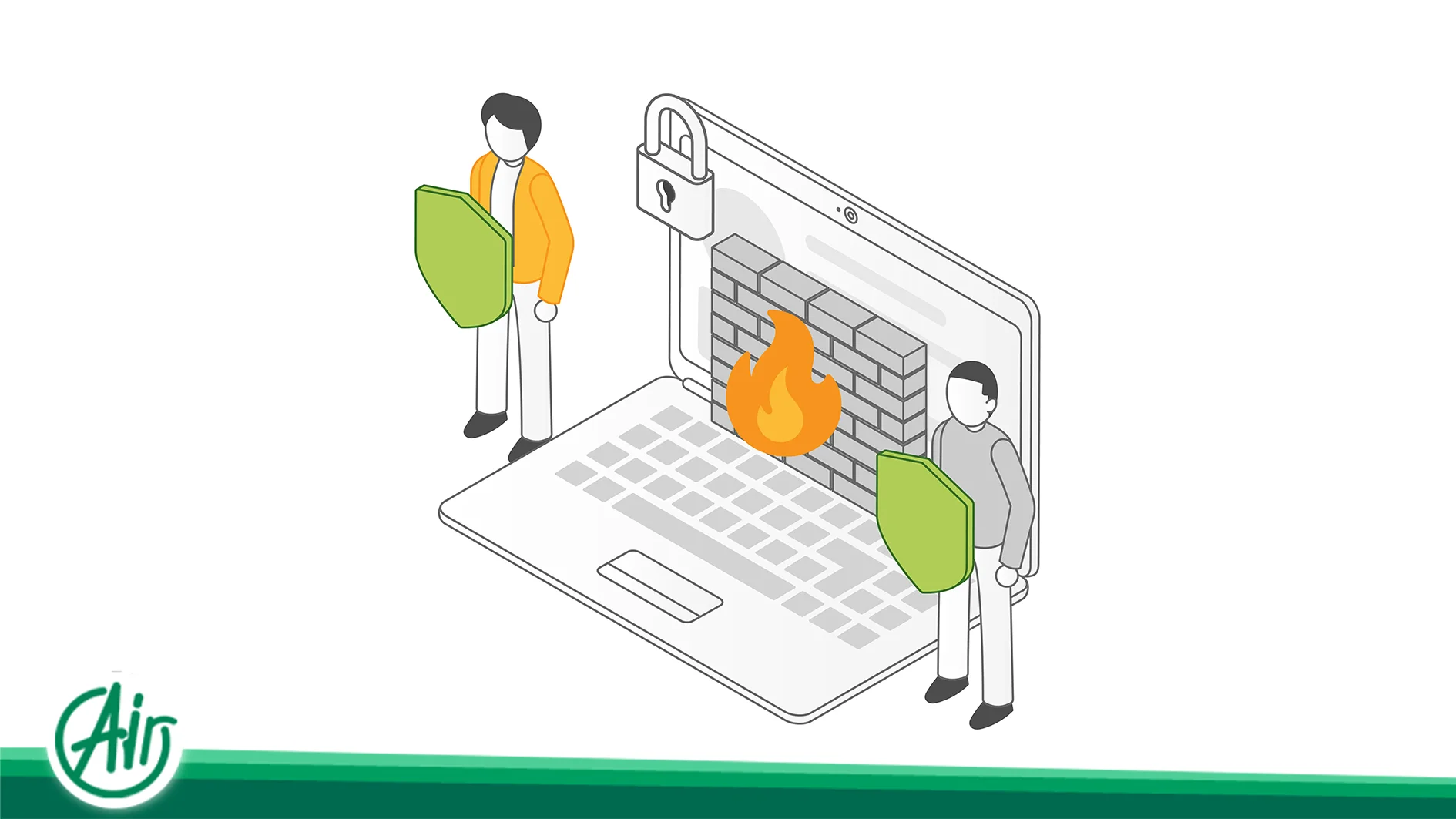
Network Firewall vs. WAF: The Critical Distinction
A common misconception among hosting clients and web admins is that a Network Firewall makes a website secure.
-
Network Firewall: Operates at Layers 3 and 4 (Network/Transport). It speaks IP, TCP, and UDP. It can block SSH access or ban a country’s IP range, but it is blind to the context of the application data.
-
Web Application Firewall (WAF): Operates at Layer 7 (Application). It understands HTTP and HTTPS.
Why WAF is Essential: You must open ports 80 and 443 for a web server. A Network Firewall will allow traffic through these ports. An attacker can use this open channel to send malicious SQL commands (SQL Injection) or XSS scripts. The Network Firewall sees this as valid text traffic on port 80. A WAF, however, inspects the content, recognizes the malicious SQL pattern, and blocks the specific request.
Advanced Mechanisms: NAT and VPN Gateways
Firewalls handle crucial networking tasks beyond filtering.
NAT (Network Address Translation)
-
SNAT (Source NAT): Hides internal private IPs behind a single Public IP for internet access. This is a security feature as internal IPs are not routable from the outside.
-
DNAT (Port Forwarding): Directs traffic hitting a specific port on the public IP to a specific internal server.
VPN Gateway
Modern firewalls often act as termination points for VPN tunnels. They decrypt traffic from remote workers, inspect it for malware, and then allow it into the network. This ensures that an encrypted tunnel is not used as a safe passage for viruses.
Popular Linux Firewall Tools
For system administrators, knowing the toolset is vital. While Netfilter is the kernel framework, the interface tools vary:
-
Iptables: The legacy standard. Powerful but complex syntax.
-
Nftables: The modern replacement for iptables. Faster, cleaner syntax, and combines IPv4/IPv6 handling.
-
UFW (Uncomplicated Firewall): A simplified interface for Ubuntu. Great for basic “allow/deny” setups.
-
Firewalld: Common in RedHat/CentOS. Uses “Zones” and supports dynamic configuration changes without dropping active connections.
Configuration Strategy: Zero Trust & Best Practices
Having the best firewall is useless without the right configuration. The strategy must align with Zero Trust or Least Privilege models.
The Golden Rule is “Default Deny.”
-
Wrong Approach: Open everything and block known bad ports (Blacklisting).
-
Right Approach: Block everything and only open the specific ports required for services (Whitelisting).
Operational Safety: Applying firewall rules carries a high risk of locking yourself out of the server (e.g., accidentally blocking SSH). Experienced admins always create system backups or restore points before applying significant changes. If a new rule cuts off access, the system can be reverted to the state prior to the configuration change, preventing extended downtime.
Common Attacks and Mitigation
How do firewalls stop specific threats?
1. SYN Flood (DDoS)
Attackers send thousands of “SYN” requests (connection starts) but never complete the handshake, exhausting server resources.
-
Solution: SYN Cookies. The firewall responds to the handshake on behalf of the server and only forwards the connection once the client validates itself.
2. IP Spoofing
Attackers fake their source IP to look like an internal trusted machine.
-
Solution: uRPF (Unicast Reverse Path Forwarding). The firewall checks if the incoming traffic is arriving on an interface that makes sense for that source IP. If an internal IP arrives from the internet interface, it is dropped.
3. Port Scanning
-
Solution: Scan Detection. If the firewall detects a single IP probing multiple ports in a short timeframe, it temporarily adds that IP to a blocklist.
Conclusion
Firewalls act as the nervous system of network security, evolving from simple packet filters to intelligent, deep-inspection engines. Achieving robust security requires a Defense in Depth strategy: a hardware firewall at the edge to scrub volume, host-based firewalls for internal isolation, and WAFs to protect application logic.
As we move toward SASE (Secure Access Service Edge) architectures, the firewall is transitioning from a physical box to a pervasive cloud service (FWaaS), following the user and data wherever they go. However, the core principle remains unchanged: Trust nothing, verify everything.

 AR
AR  EN
EN  FA
FA  DE
DE  FR
FR