
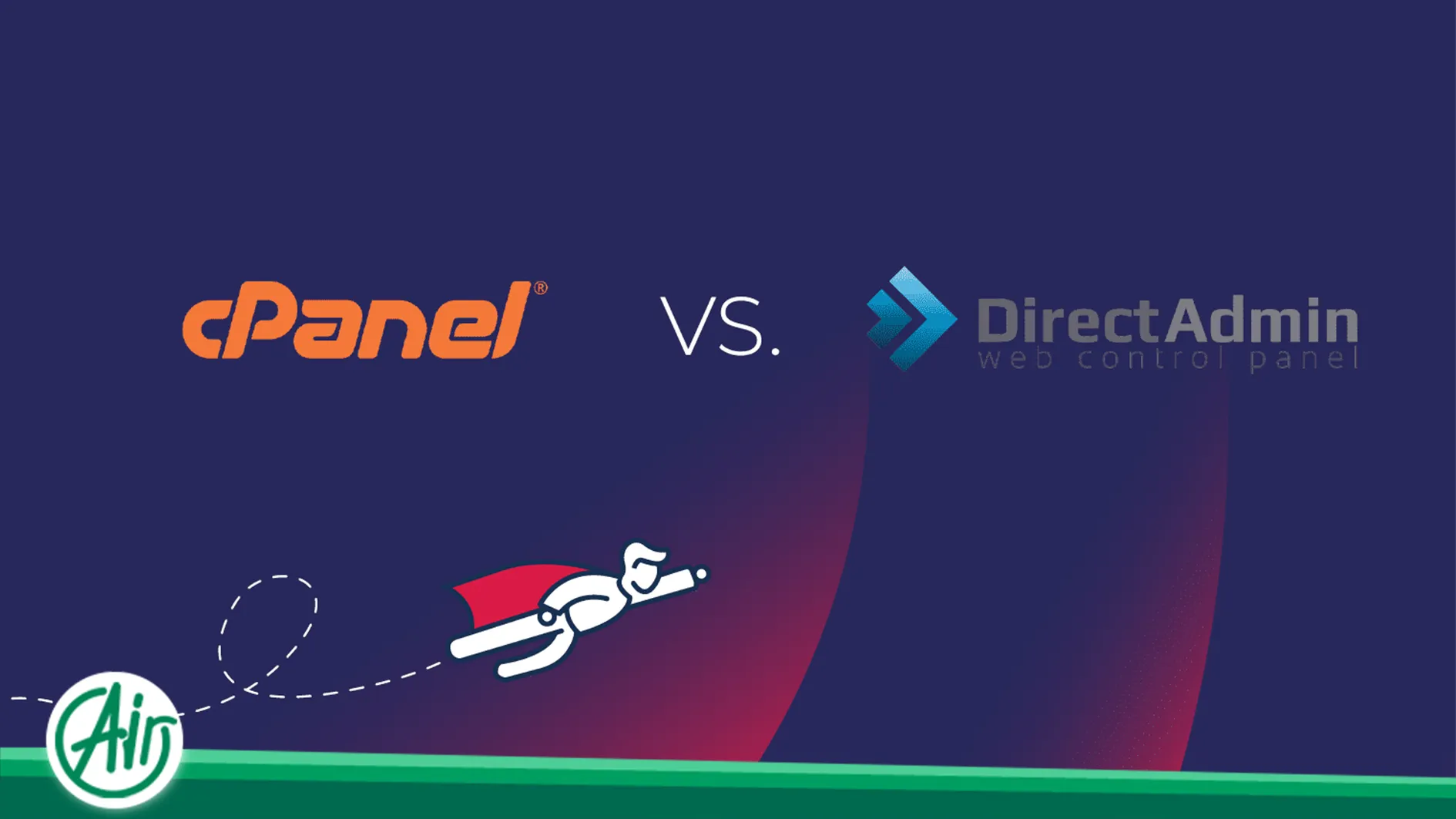
Migrating a website between different control panels is often a critical turning point for web administrators and developers. Moving from DirectAdmin to cPanel is frequently driven by the need for a more intuitive user interface and broader feature sets. While both platforms are industry leaders, their differing data structures necessitate a high level of precision to prevent data loss.
This guide explores the complete migration process step by step to ensure a smooth transition with maximum data integrity.
Why Migrate from DirectAdmin to cPanel
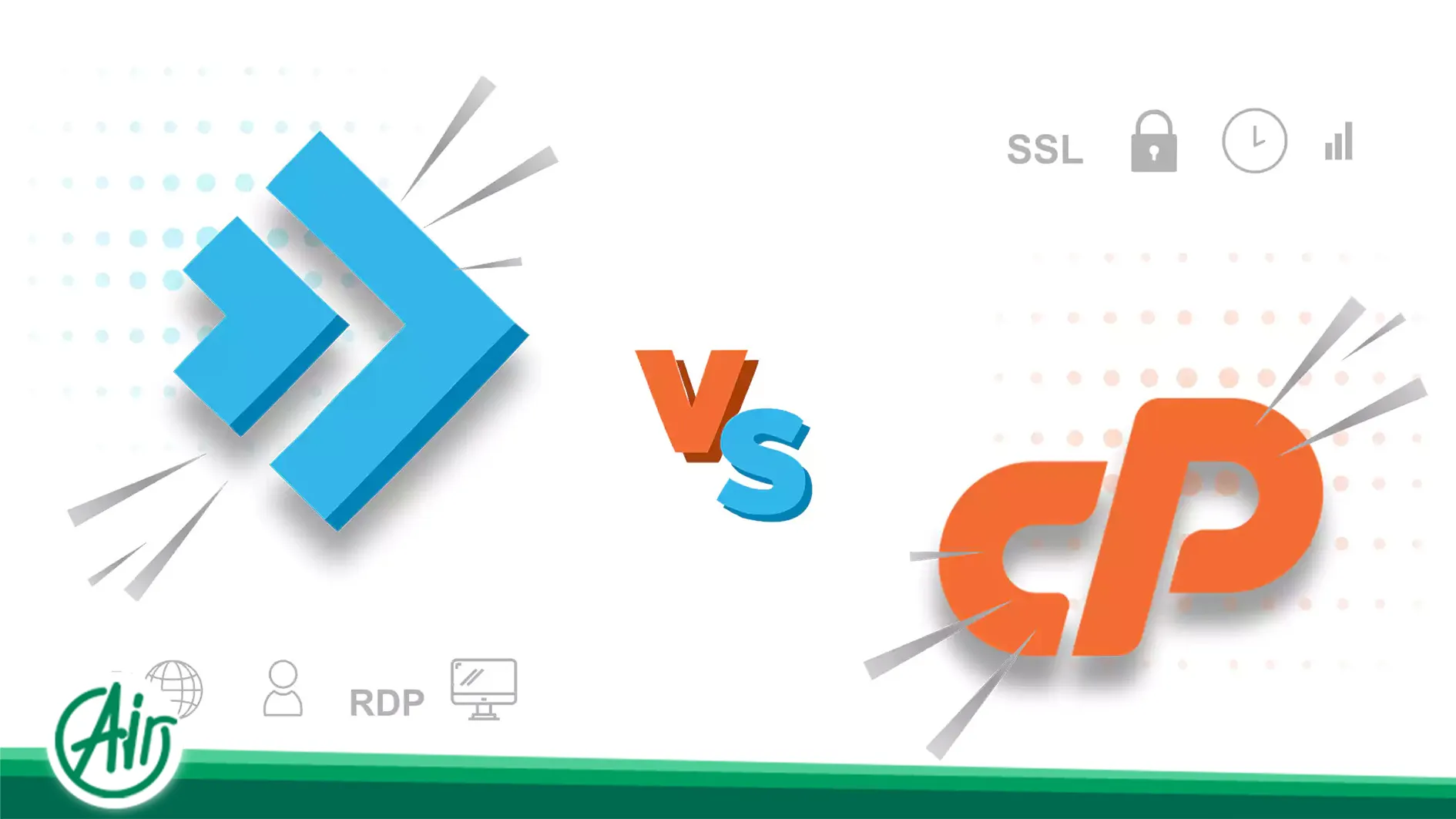
cPanel is widely considered the industry standard for web hosting management. The difference in user experience is notable. While DirectAdmin is valued for its lightweight nature, cPanel provides a more flexible environment through advanced tools for database optimization and professional file management.
Growing businesses often prefer cPanel for its superior compatibility with modern plugins and automation tools. Choosing a high performance hosting environment during this phase is vital to experiencing the full power of management capabilities.
Prerequisites for a Successful Migration
Before initiating any transfer, a technical checklist is essential to avoid complications:
-
Full Panel Access: You must have user level or reseller level access to both the source and destination panels.
-
Comprehensive Backups: Never start a migration without a full backup containing all files and databases.
-
Disk Space Verification: Ensure the destination server has enough free space to accommodate extraction and temporary files. you can have a dedicated server in mind in order to remove storage limitations.
-
Environment Matching: The version of engine used in the source should be available on the destination server to prevent incompatibility.
Lowering the TTL in your DNS settings 24 hours before the move is also recommended to ensure faster propagation.
Analyzing File Structure Differences
A fundamental difference to consider during the migration is the directory hierarchy. In DirectAdmin, web files are typically stored within a domain specific folder. However, cPanel utilizes a standard public folder structure for the primary domain. This shift in the physical path can disrupt scripts that rely on specific locations.
After transferring files, review all configuration files and replace old paths with the new structure. Neglecting this detail can result in server errors or failures in loading system extensions.
Methods for Data Transfer
There are two primary approaches to moving data between these panels, each with specific advantages.
Manual Migration
This is a reliable method for avoiding unforeseen errors. In this process, you create a compressed archive of your main web folder and export databases individually. On the new side, you create new databases, define users, and upload the files. Finally, you update the configuration files to link the site with the new database.
Automated Transfer
Some backup conversion tools attempt to transform the old structure into a new compatible format. While faster, this method is not always fully reliable and might fail when migrating email accounts or specific task configurations. This approach is generally recommended only for simple websites.
Technical Nuances of Database Stability
The database is the core of any dynamic website. During migration, pay close attention to the versions of the database engine. If the destination server uses an older version than the source, you may encounter errors during the import process.
It is advisable to check the database file before importing to ensure there are no characters incompatible with the new server encoding.
Step by Step Guide for Migration
Content Management Systems are highly portable. Follow these steps in order:
-
Backup Generation: In the source panel, generate a backup for both files and databases.
-
File Transfer: Archive the contents of your web folder as a zip file and upload it to the new file manager.
-
Database Import: Create a new database and user via the wizard. Then, use the database management tool to import the file.
-
Config Update: Open the configuration file and update the database name, username, and password fields.
Before updating your DNS, test the site to verify functionality on the new VPS server.

Managing System Files and Configurations
Configuration files manage redirects and engine settings. In DirectAdmin, certain directives might use specific handlers that the new panel does not recognize.
After migration, review these files. If there are specific restrictions or optimizations, ensure they are compatible with the new environment. Removing redundant code can significantly improve initial load speeds.
Handling Email and Mailbox Migration
Email accounts are often overlooked during migrations. To ensure a seamless transition, recreate the email accounts with identical names in the new panel first. Then, move the contents of the mail folders from the old server to the corresponding directories on the new server. This prevents loss of communication history.
Scheduled Tasks Management
Scheduled tasks have different interfaces in different panels. The execution paths for files may differ significantly. To migrate them correctly, list all tasks from the old panel and recreate them in the new section, ensuring the execution path is updated to match the new environment.
DNS Transition and Minimizing Downtime
The primary concern during migration is downtime. To prevent this, do not remove data from the old server until you have verified the site is fully functional on the new setup.
The ideal time to switch DNS is immediately after a successful test. The change should propagate within a few hours. For high traffic projects, utilizing a flexible infrastructure ensures maximum stability.
Post Migration Security and Cache Optimization
Once the site is live, security must be addressed. Re-enabling protection tools and activating SSL are essential first steps.
Furthermore, many modern sites use caching systems. Data stored in the previous server cache is no longer valid. It is crucial to clear all software level caches and server side caches immediately after the move to ensure users see the most current version of the site.
Addressing Large Scale Projects
For large scale sites, even minor delays can result in lost data. It is recommended to briefly disable new registrations during the final data sync.
High volumes of media require powerful hardware resources to ensure the extraction processes do not fail. For heavy projects, dedicated resources are often the most logical choice for maintaining speed and data security after the migration.




 AR
AR  EN
EN  FA
FA  DE
DE  FR
FR