WordPress vs. WooCommerce Hosting: What’s the Difference?
Hosting is one of the most critical foundations of any website, and choosing the right type of host significantly impacts its speed, security, and stability. Given the popularity of the WordPress Content Management System and the WooCommerce e-commerce plugin, specialized hosting services have emerged for each platform. If you plan to launch a content-driven website or an online store, understanding the differences between WordPress hosting and WooCommerce hosting is vital for choosing the optimal solution for your business.
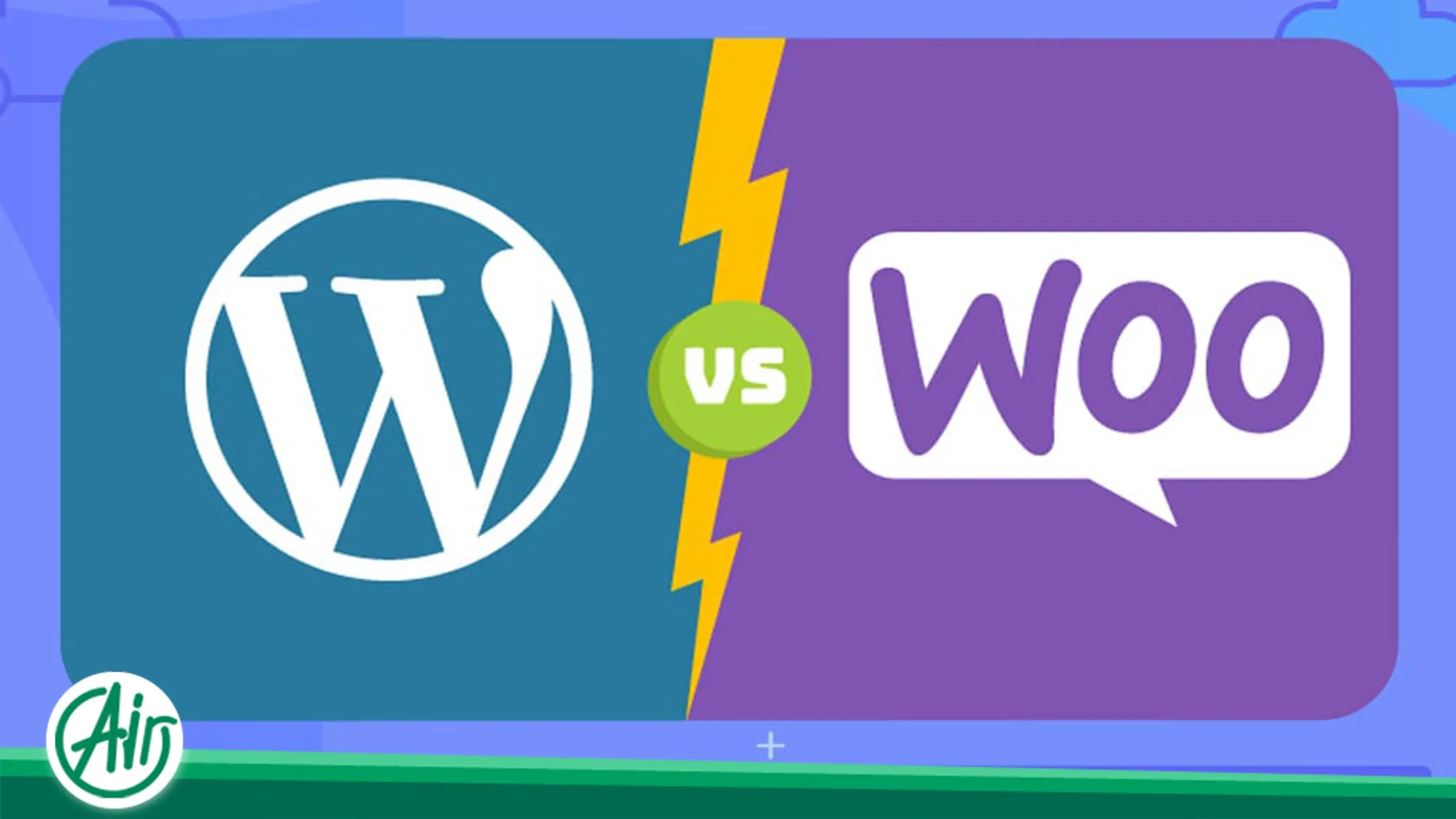
WordPress vs. WooCommerce Hosting: A Specialized Comparison
At first glance, WooCommerce hosting and WordPress hosting share many similarities, as WooCommerce is an extension that installs on the WordPress platform. Essentially, both hosting types are optimized services configured to run WordPress efficiently. However, there are key differences in optimization, resource allocation, and technical support that set them apart.
Core Differences in Server Configuration
- Primary Goal and Optimization:
- WordPress Hosting: This hosting is optimized for general WordPress websites like blogs, corporate sites, and portfolios that are primarily content-driven. The main focus is on the loading speed of static pages (like articles) and the stability of the WordPress admin panel. If your goal is to buy WordPress hosting for a standard website, this service is a suitable choice.
- WooCommerce Hosting: This hosting is specifically designed and configured for online stores based on WooCommerce. Stores require different resources and optimizations due to the presence of shopping carts, inventory management, dynamic product pages, and, most importantly, processing financial transactions.
- Resource Management and Speed (PHP and Database):
- WooCommerce store sites demand higher CPU and RAM resources compared to content-only sites, due to heavier processing (calculating prices, inventory, coupons, and the checkout process). WooCommerce hosting allocates these resources with higher capacity and priority.
- On a WooCommerce host, PHP settings (like
memory_limitandmax_execution_time) are typically increased to handle higher workloads during purchasing processes and reporting. Additionally, the database (MySQL/MariaDB) is specifically optimized to accelerate complex and frequent store queries (such as product searches or layered filters).
Specialized Caching and Security in WooCommerce
- Intelligent Caching System: A crucial difference lies in the caching system. While caching works excellently for improving the speed of static content on WordPress hosting, it must be managed carefully for WooCommerce. For example, caching the shopping cart or checkout page can cause functionality issues. WooCommerce hosting utilizes specialized caching mechanisms that properly exclude dynamic pages and sensitive store information (like user inventory, shopping cart, and payment pages) from the cache, ensuring a seamless customer experience.
- Critical Security and Backup: Due to handling financial and personal customer data, WooCommerce hosting benefits from more advanced security layers. Specialized firewalls, specific WooCommerce security modules, and protection against common e-commerce platform attacks are features of this host type. Furthermore, WooCommerce services usually conduct backups at shorter intervals (e.g., every few hours) to minimize the loss of recent orders and transaction data, which is essential for any online store.
The Economics of Hosting: Choosing the Right Scale for Your Business
The decision on which hosting service to choose is not just limited to the CMS type; it also depends on your traffic volume and resource needs.
- Economy Hosting (Shared Hosting): This host type is a suitable starting point for small websites or businesses just beginning their online journey. Its main advantage is the lower price, which allows you to start online activity with minimal expenditure. These plans share server resources among multiple users and are suitable for low-traffic content sites or very small stores in the market testing phase. Economy hosting can be a good option initially to reduce costs and allow the business to focus its budget on marketing and content creation.
- Advanced Plans for WooCommerce Growth: When your store experiences significant growth, traffic increases, and the number of products rises, shared hosting may no longer suffice, even if it is specialized. At this point, you should consider upgrading.
- Virtual Private Server (VPS): This service offers more dedicated resources in a virtualized environment, giving you more control over server settings. A VPS strikes a good balance between power, flexibility, and cost, making it a logical step for medium-sized stores with considerable traffic.
- Dedicated Server: This is the pinnacle of hosting, where all hardware resources of a physical server are fully allocated to you. This option is recommended for very large stores with massive traffic and a need for completely custom security and software configurations and maximum performance.
Technical Maintenance and Proactive Monitoring
A key differentiator between general WordPress hosting and specialized WooCommerce services often lies in the level of proactive server monitoring and maintenance provided.
Database Optimization and Health Checks
E-commerce databases grow rapidly, accumulating transient data, outdated user sessions, and large log files. A standard host might only perform basic database backups. In contrast, premium WooCommerce hosting often includes automated database optimization routines. These routines run frequent health checks, clean up unnecessary database overhead, and optimize critical WooCommerce tables to ensure fast query times, which is essential during checkout and inventory updates. This level of database care can significantly extend the lifespan of an affordable hosting solution before an upgrade to a Virtual Private Server (VPS) becomes absolutely necessary.
Malware and Plugin Vulnerability Scanning
Since WooCommerce stores handle sensitive customer data, they are prime targets for malicious attacks. While all hosts provide basic security, a specialized WooCommerce provider goes further by offering frequent, sometimes daily, scans specifically targeting common e-commerce vulnerabilities, outdated payment plugins, and known WooCommerce exploits. They often maintain specialized Web Application Firewalls (WAFs) pre-configured with rules designed to block attacks aimed at forms and payment gateways, adding an extra layer of defense that complements a site’s own security measures.
The Role of Developer Tools and Environment Management
For businesses relying on custom development or frequent updates, the hosting environment’s tools dictate efficiency.
Version Control and Git Integration
Modern web development hinges on version control systems like Git. Higher-tier WooCommerce hosting and dedicated environments (like a Dedicated Server) often include built-in Git integration. This allows developers to easily push updates from a local development environment directly to the staging or production site. This streamlined deployment process minimizes human error and reduces the downtime associated with manual file transfers or complex update procedures, making it invaluable for maintaining a large, complex e-commerce platform.
Enhanced Logging and Debugging
When a user reports an error during checkout or a product filter fails, site administrators need access to comprehensive logs. Generic hosting provides standard server logs, but specialized WooCommerce hosting often offers enhanced logging specific to PHP errors, database queries, and WooCommerce-related issues. They may also include debugging tools integrated directly into the hosting panel, allowing developers to quickly pinpoint the source of a performance bottleneck or a functional bug without deep server access, which is crucial for maximizing uptime and sales.
The Impact of Hosting on Specialized WooCommerce Plugins
WooCommerce is a complete system on its own, but its true performance heavily relies on the plugins added for advanced inventory management, custom payment gateways, layered product filters, and accounting systems. These plugins impose a significant processing load on the server.
Direct Relationship with Cron Jobs and Task Scheduling
WordPress and WooCommerce use the wp-cron system for scheduled tasks (like checking updates, sending abandoned cart emails, and inventory synchronization). On general shared hosts or economy hosting, these cron jobs may not activate correctly or run with delays, leading to serious issues in order management and reporting. Specialized WooCommerce hosts typically move these tasks directly to the server (System Cron Jobs) to ensure these critical store processes run on time and with high priority.
WooCommerce Memory Management
WooCommerce requires more memory (PHP Memory Limit) than a simple blog due to its processing nature. Errors like “Fatal Error: Allowed memory size of X bytes exhausted” are common in busy stores or when performing heavy operations (like bulk product imports). Specialized WooCommerce services set this memory limit at a higher level by default, ensuring better execution of heavy plugins and increasing the overall site stability during intensive processing.
Final Conclusion: Determining the Better Choice Based on Business Stage
To definitively answer which is the better choice, you must consider your business growth stage:
- Start-up Phase: If you only have a blog or corporate site and no store, or a very small one, Economy Hosting or basic WordPress Hosting will suffice.
- Growth Phase: If your store has a moderate number of products and traffic, migrating to specialized WooCommerce hosting is essential to resolve slow speeds and prevent transaction loss during peak sales.
- Scaling Phase: For large stores with high order volumes and large data sets, upgrading to a VPS and ultimately a dedicated server is necessary to ensure no hardware limitations hinder business growth.
Choosing a host is an investment whose return is visible in the speed and stability of your website, and consequently, in customer satisfaction and your final sales figures.



 FA
FA  EN
EN  AR
AR  DE
DE  FR
FR