

Why Does SSL Slow Down Your Website? Understanding the Technical Impact
In the modern digital landscape, security is a non-negotiable standard. While migrating from HTTP to HTTPS is essential for data integrity and SEO, many site administrators notice a performance dip immediately after activation. This has led to a common misconception that security and speed are mutually exclusive. In reality, SSL encryption does introduce a series of computational steps, but when configured correctly, the impact is negligible. Understanding the underlying mechanisms is the first step toward maintaining a high-performance, secure environment.

Does SSL Really Slow Down a Site?
Technically, yes, but the direct impact is often measured in milliseconds. When a browser connects to a secure server, it must verify the identity of the server and establish an encrypted channel. This process, known as the “handshake,” adds round-trips between the client and the server. However, modern hardware and optimized protocols have made this overhead nearly invisible to the end user. If a site becomes noticeably sluggish, the culprit is usually not the encryption itself, but rather an underpowered infrastructure or outdated server configurations.
How the SSL Handshake Affects Server Resources
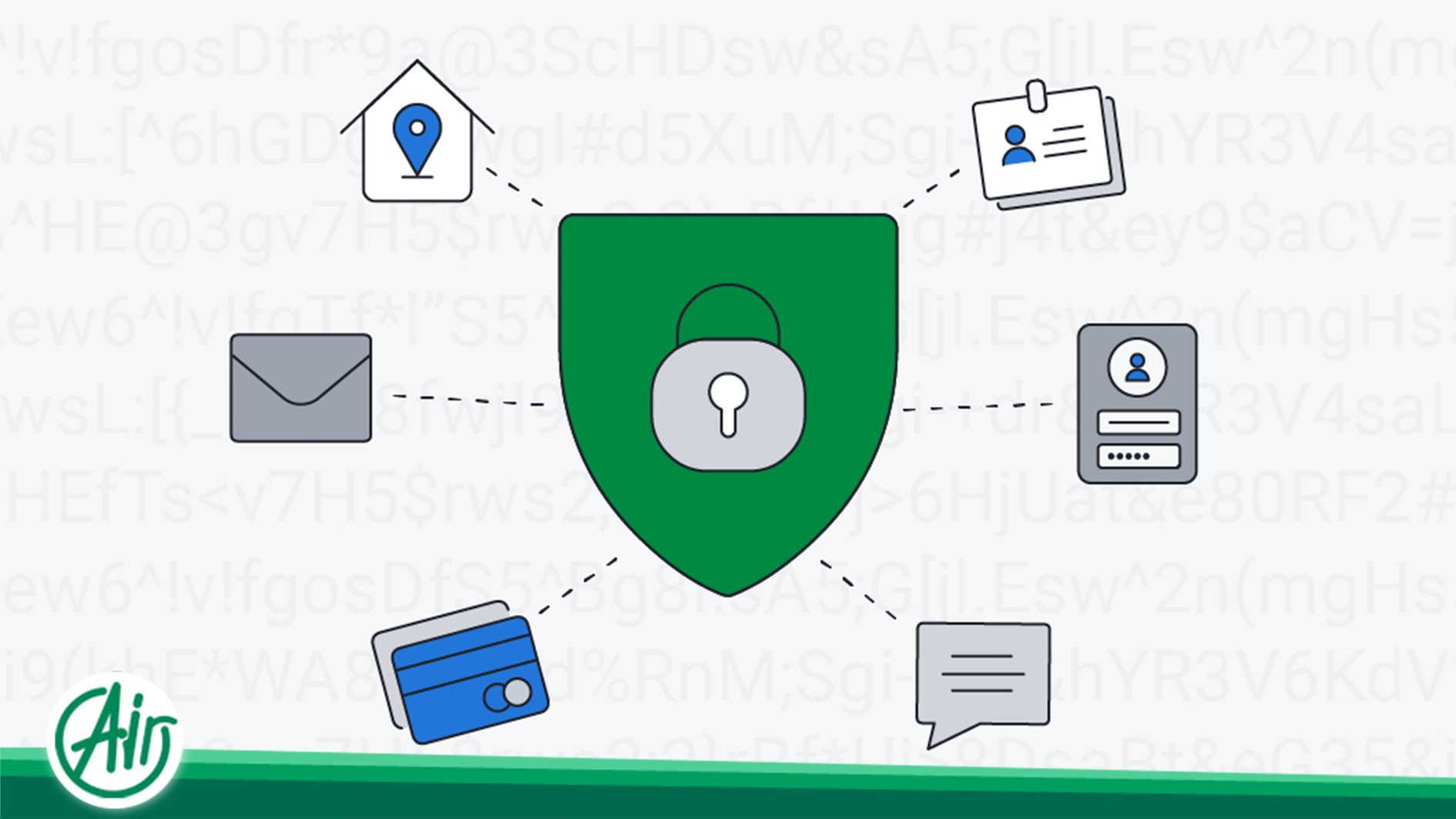
The encryption process requires computational power. Before any data is exchanged, the server and browser perform the TLS handshake to agree on encryption keys.
-
Computational Overhead: The VPS server must use its CPU to perform complex mathematical calculations for key exchange and data signing.
-
Latency and Round-Trips: In older versions of TLS, multiple packets must go back and forth before the first byte of website data is sent.
-
Concurrent Connections: On high-traffic sites, thousands of simultaneous handshakes can strain a server’s processor if it isn’t properly optimized.
Primary Reasons for Post-SSL Performance Drops
When a website slows down after SSL activation, it is typically due to one of the following technical bottlenecks.
Insufficient Hosting Resources
Encryption is resource-intensive. On low-end shared hosting environments, the CPU and RAM are already stretched thin. Adding the burden of real-time encryption can lead to a significant increase in Time to First Byte (TTFB). If your infrastructure cannot handle the extra processing, you might need to consider more robust options like a purchase of a dedizierter Server to ensure dedicated hardware is available for encryption tasks.
Unoptimized SSL Configuration
Improper settings can lead to redundant processing. For instance, if Session Resumption is disabled, the browser must perform a full handshake for every single request, even if the user is just moving from the homepage to a subpage. This creates unnecessary lag.
Mixed Content Issues
If a secure page attempts to load images or scripts via insecure HTTP links, the browser may struggle to resolve the conflict. This not only triggers security warnings but can also stall the rendering process as the browser waits to determine how to handle the unencrypted elements.

Optimizing for Speed: Best Practices
To enjoy the benefits of security without sacrificing performance, follow this technical checklist:
-
ECC Certificates: Use Elliptic Curve Cryptography certificates. They provide the same security as RSA but with much smaller key sizes, leading to faster computations.
-
OCSP Stapling: This allows the server to provide the certificate’s revocation status directly to the browser, saving the client from having to contact a third-party Certificate Authority.
-
Virtualization and Scaling: For growing sites, an investment to buy a virtual private server provides the isolated resources necessary to handle encryption overhead more efficiently than shared hosting.
-
CDN Integration: Offloading the SSL handshake to the edge of the network via a Content Delivery Network reduces the physical distance the handshake data must travel.
Conclusion: Security vs. Infrastructure
The performance “penalty” of SSL is a relic of the past for those with modern infrastructure. When a site feels slow after a purchase of an SSL certificate, the focus should shift from blaming the encryption to auditing the server environment. By utilizing modern protocols like TLS 1.3 and ensuring your hosting provides adequate CPU power, you can deliver a web experience that is both lightning-fast and fundamentally secure.




 DE
DE  EN
EN  AR
AR  FA
FA  FR
FR