The Definitive Guide to Cross-Browser Compatibility: Delivering a Consistent User Experience
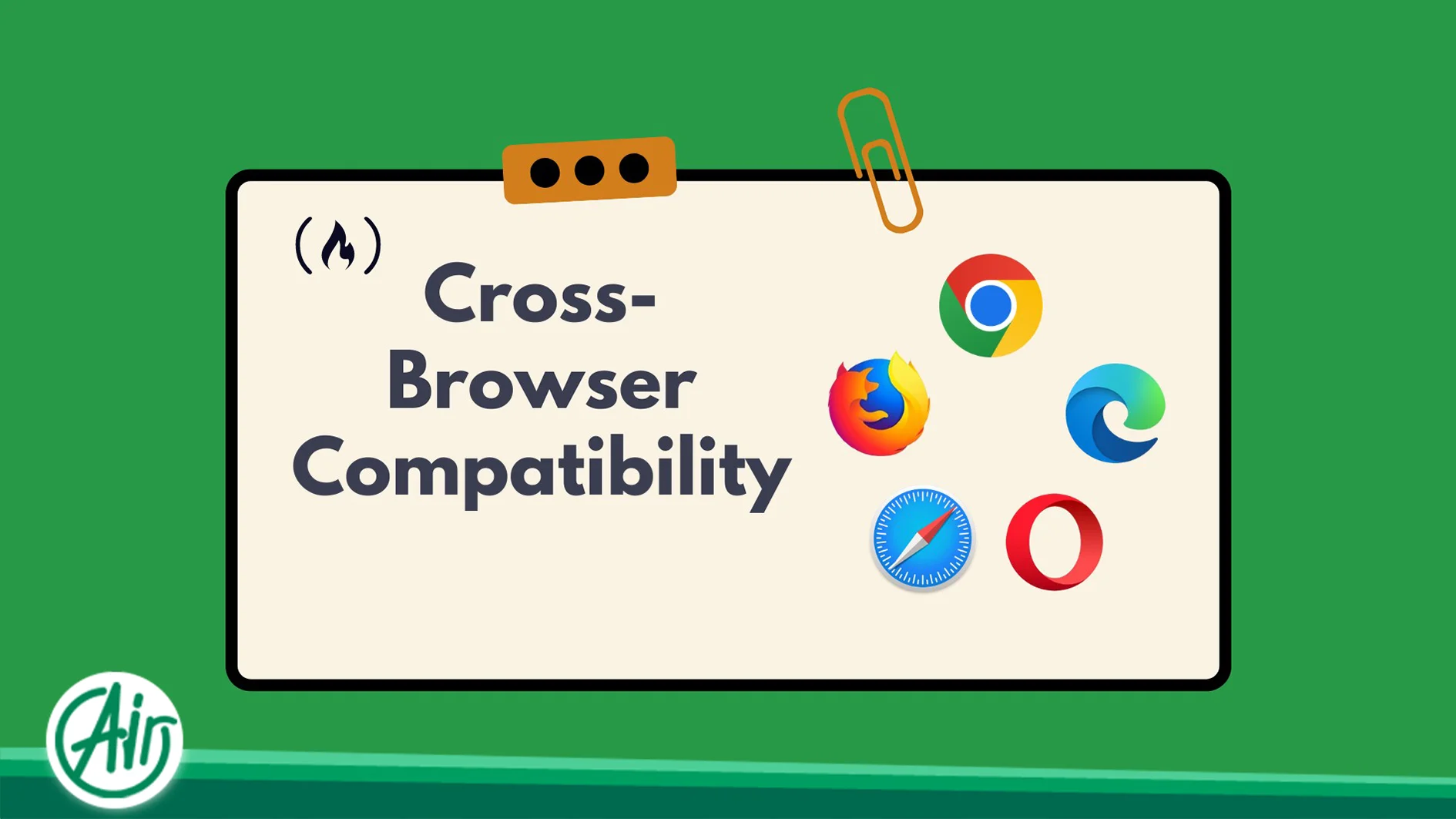
In the modern digital landscape, fragmentation is the rule rather than the exception. Users interact with web applications through a staggering variety of devices, operating systems, and browsers. From the latest version of Chrome on high-end workstations to legacy Safari builds on mobile devices, the environment in which your code executes is never guaranteed. This is where the concept of Cross-Browser Compatibility becomes critical. It is the technical discipline of ensuring that a website functions and renders correctly across all major browser engines, maintaining both its visual integrity and operational logic.
A failure to address these discrepancies often results in broken layouts, non-functional forms, or sluggish performance. For any enterprise, a consistent presentation across all platforms is not just a technical goal—it is a cornerstone of brand credibility and user retention.
The Engineering Behind Browser Engines: Why Uniformity is Challenging
To understand why a website might appear perfect in one browser and broken in another, we must look at the underlying rendering engines. These software components are responsible for transforming HTML, CSS, and JavaScript into the visual pixels on a screen.
-
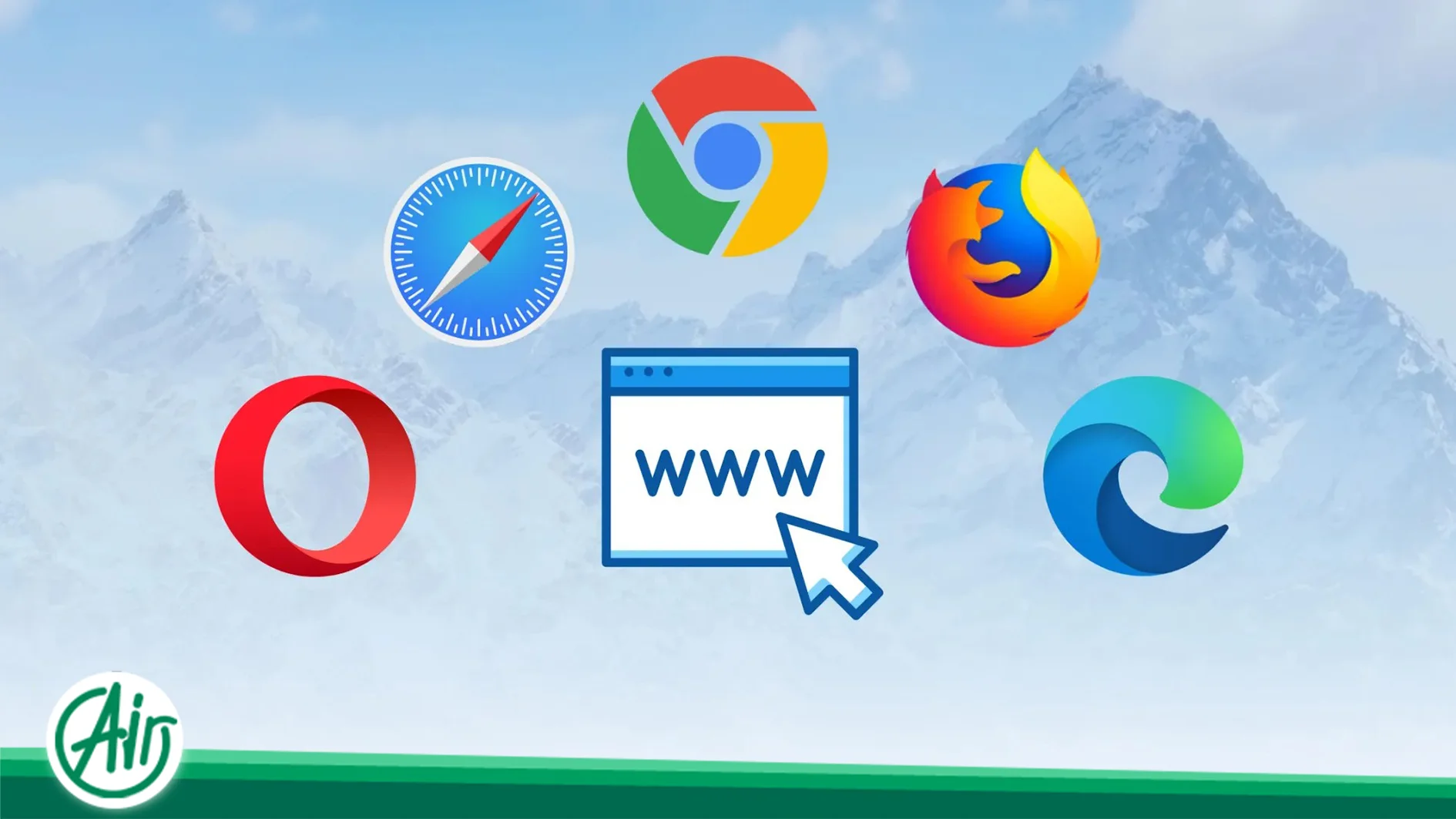
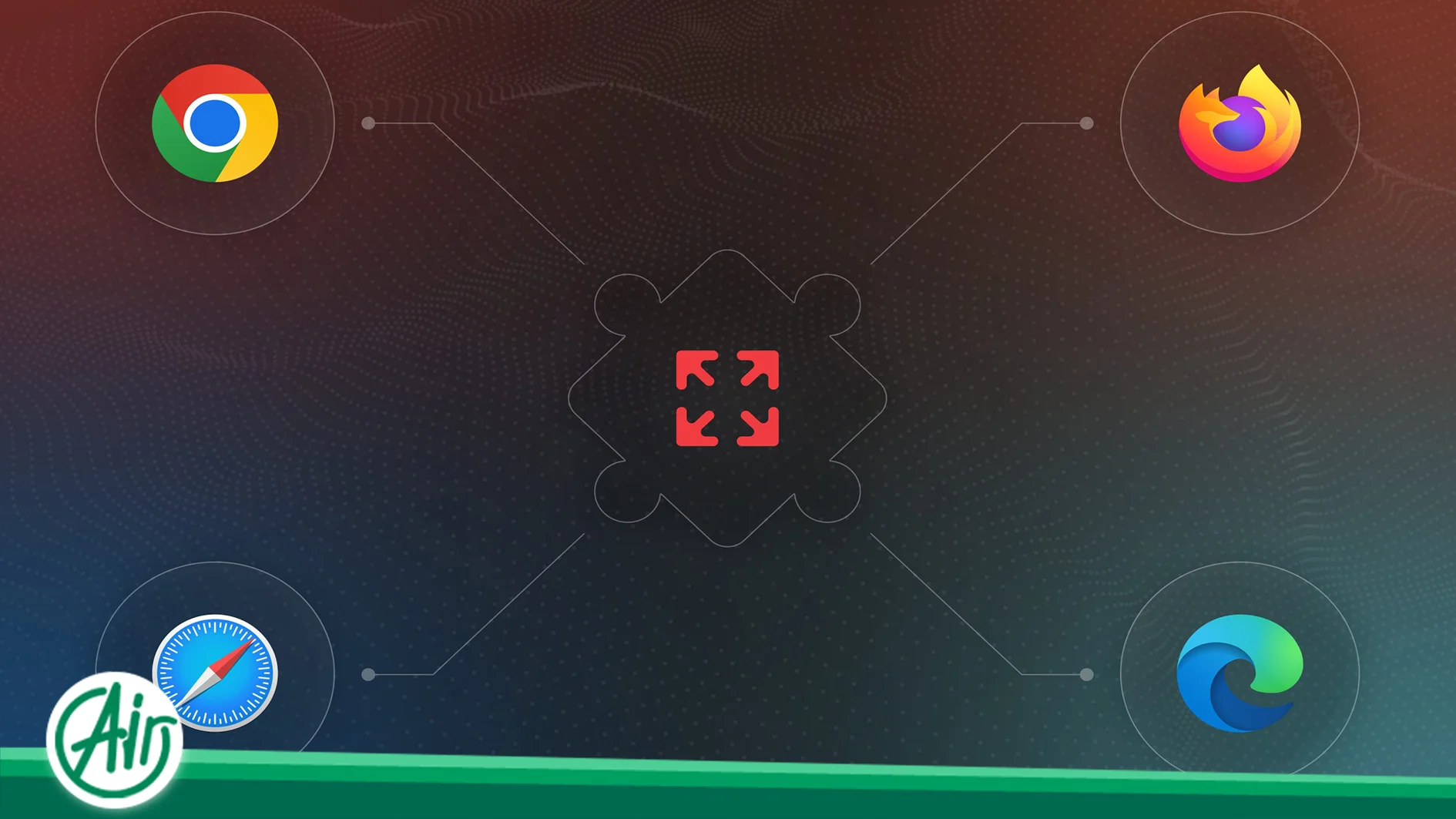
Blink (Chromium): Powers Google Chrome, Microsoft Edge, and Opera. It is currently the market leader but has its own specific implementation of web standards.
-
WebKit: The engine behind Apple’s Safari. Due to its integration with the iOS and macOS ecosystems, it often has unique constraints regarding memory management and CSS support.
-
Gecko: The core of Mozilla Firefox, known for its strict adherence to standards but sometimes lagging behind in implementing experimental features.
Because these engines interpret code with varying degrees of strictness and speed, achieving a unified output requires a deep understanding of how each engine handles specific properties, particularly newer CSS specifications and JavaScript APIs.
Adherence to W3C Standards: The Foundation of Resilient Web Design
Compliance with the World Wide Web Consortium (W3C) standards is the most effective way to ensure long-term stability. Writing code that relies on browser-specific hacks or exploits known bugs is a short-sighted strategy. When browsers update their engines, these hacks often fail, leading to catastrophic site breakage.
Modern development strategies such as Progressive Enhancement offer a more sustainable path. This approach involves building a robust, functional baseline that works on all browsers, then layering advanced visual enhancements for environments that support them. By utilizing technologies like CSS Flexbox and Grid while providing sensible fallbacks, developers can ensure that the core content remains accessible even if the high-end animations or complex layouts fail to render in older versions.
Technical Testing Environments and Debugging Strategies
No development team can maintain a physical library of every device and browser combination. Consequently, professional-grade testing environments are essential. Tools such as BrowserStack or LambdaTest allow developers to run their code in virtualized real-world environments, providing insights into how a site renders on specific hardware and software configurations.
Manual debugging remains equally important. Utilizing browser-specific developer tools to inspect elements and monitor console errors is a daily necessity. Cross-Browser Compatibility testing must also extend to performance. A JavaScript heavy-site might run smoothly on a desktop CPU but cause a mobile browser to freeze. Rigorous testing of interactive elements—such as dropdowns, modals, and form validations—is required to ensure that the site’s logic remains intact across all engines.
The Infrastructure Perspective: Server Stability and Asset Delivery
While compatibility is often viewed as a frontend issue, the backend infrastructure plays a pivotal role in how browsers render content. The speed and reliability of asset delivery (CSS, JS, and font files) are critical. If a server experiences latency or fails to deliver a stylesheet in time, the browser may render a “Flash of Unstyled Content” (FOUC), which severely damages the user experience.
For high-traffic applications, the hosting environment must be optimized for concurrent requests. Implementing technologies like HTTP/2 or HTTP/3 allows browsers to download multiple assets over a single connection, significantly reducing the “render-blocking” time. Furthermore, the use of a Dedizierter Server or a high-performance VPS allows for precise control over server-side compression (like Brotli or Gzip) and cache-control headers. These configurations ensure that the browser receives all necessary files in the correct order and as quickly as possible, facilitating a seamless rendering process.
Leveraging Polyfills and Transpilers for Legacy Support
JavaScript is frequently the source of cross-browser friction. Modern syntax (ES6+) and new Web APIs are not natively supported by older engines. To bridge this gap, developers use transpilers like Babel to convert modern code into a version that legacy browsers can understand.
In addition to transpilation, Polyfills are used to provide the functionality of modern APIs in older environments. A polyfill essentially detects if a feature is missing and provides a custom implementation to replace it. However, managing these scripts requires a stable and fast hosting infrastructure to ensure that the additional overhead does not negatively impact page load times. A well-configured environment ensures that the browser can efficiently fetch and execute these scripts, maintaining the site’s functionality for all users.
Strategic Checklist for Universal Browser Rendering
To guarantee that your website remains consistent across all platforms, the following technical checkpoints should be integrated into your workflow:
-
W3C Validation: Regularly audit HTML and CSS to ensure structural integrity and standard compliance.
-
CSS Normalization: Implement a “Reset” or “Normalize” stylesheet to eliminate the default styling discrepancies between different browsers.
-
Font Orchestration: Use standard formats like WOFF2 and ensure that fallback fonts are defined to prevent layout shifts.
-
Interaction Parity: Test touch events versus click events to ensure that the site is fully functional on mobile browsers.
-
Security Protocols: Verify that SSL certificates and security headers are compatible with older browser versions to prevent “Connection Not Private” warnings.
Conclusion: Compatibility as a Business Priority
Achieving a high level of Cross-Browser Compatibility is an ongoing process that requires constant vigilance. As browser engines evolve and new web standards emerge, the techniques for maintaining a unified experience must also adapt. By prioritizing standard-compliant code, utilizing advanced testing tools, and deploying on a robust hosting infrastructure, organizations can ensure their digital presence remains stable and professional for every visitor.
Ultimately, a website that renders perfectly across all browsers not only provides a superior user experience but also improves SEO performance and increases conversion rates. Investing in technical quality and the right hardware resources is the most effective way to future-proof your business in an increasingly fragmented digital world.



 DE
DE  EN
EN  AR
AR  FA
FA  FR
FR